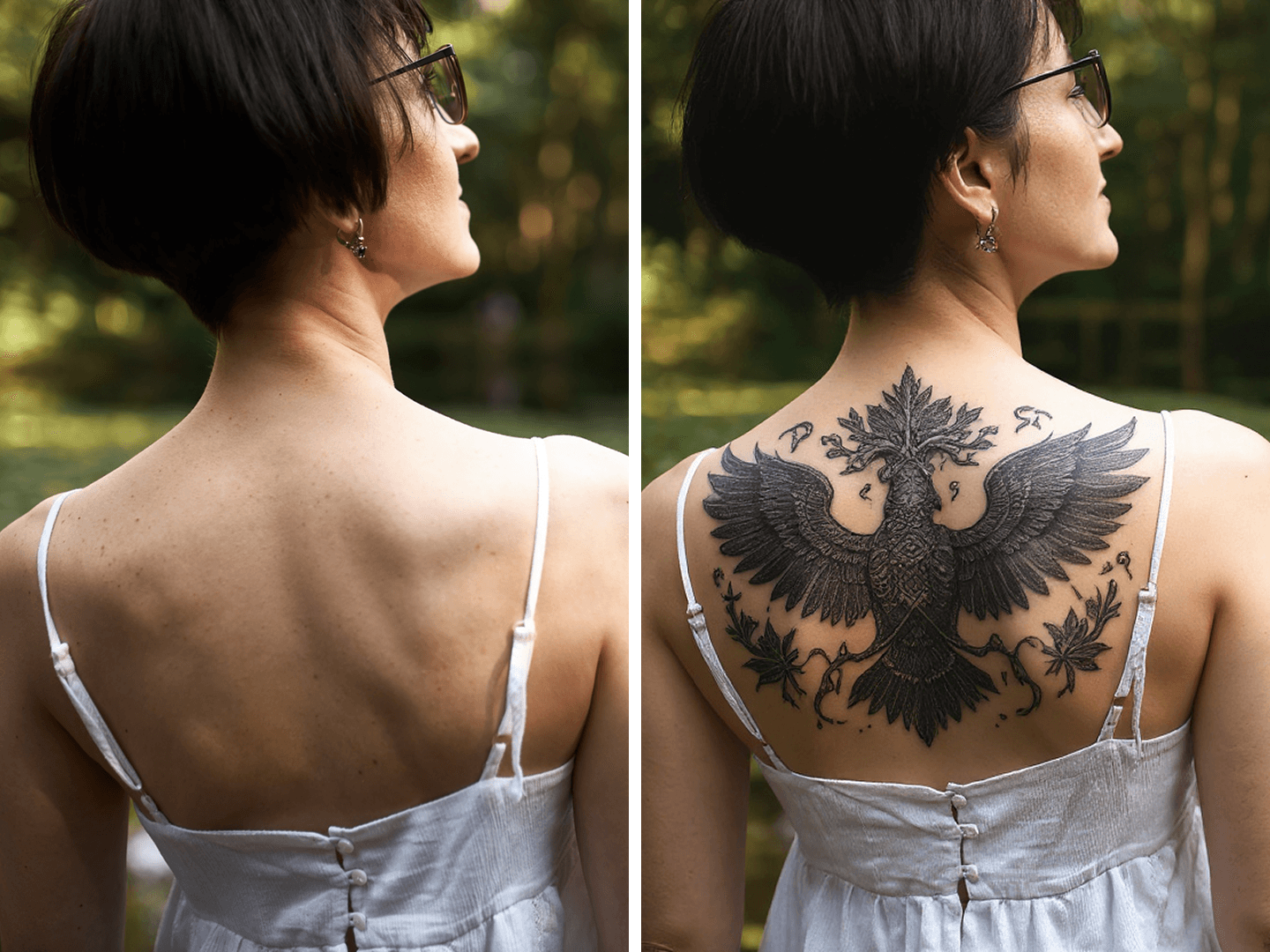
Instantly Create Custom Tattoo Designs with AI
Say goodbye to hours of sketching or scrolling for inspiration! With Seela’s AI Tattoo Generator, you can instantly create original tattoo concepts, styles, and placements using artificial intelligence. No artistic skills required — just describe your idea, upload your photo (optional), and let our AI turn your vision into tattoo art in seconds.


Use AI to Visualize Tattoos Before Getting Inked
Our AI automatically adjusts lighting, perspective, and skin tone blending to ensure the tattoo looks completely natural and lifelike. Design with confidence and explore endless possibilities before visiting your tattoo artist.
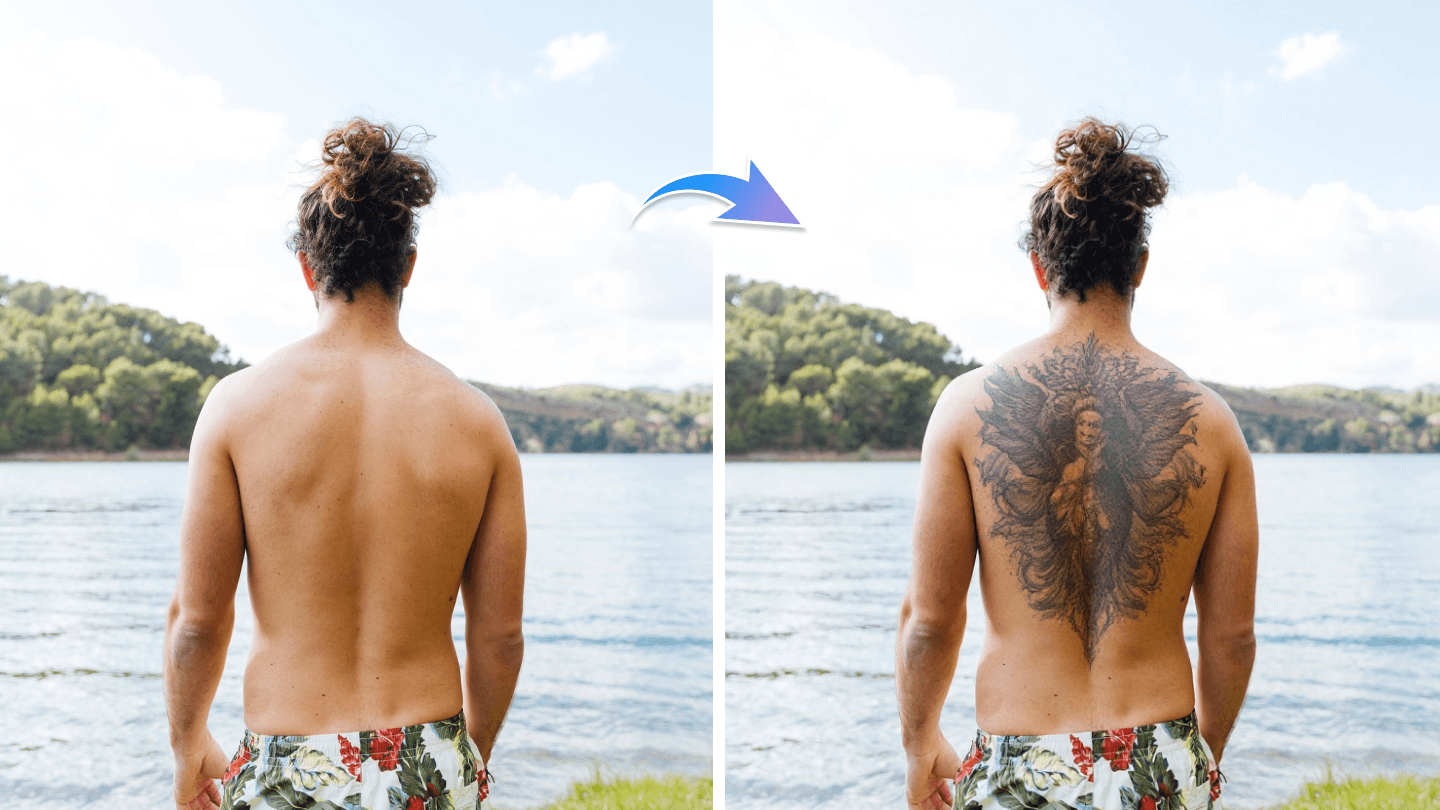
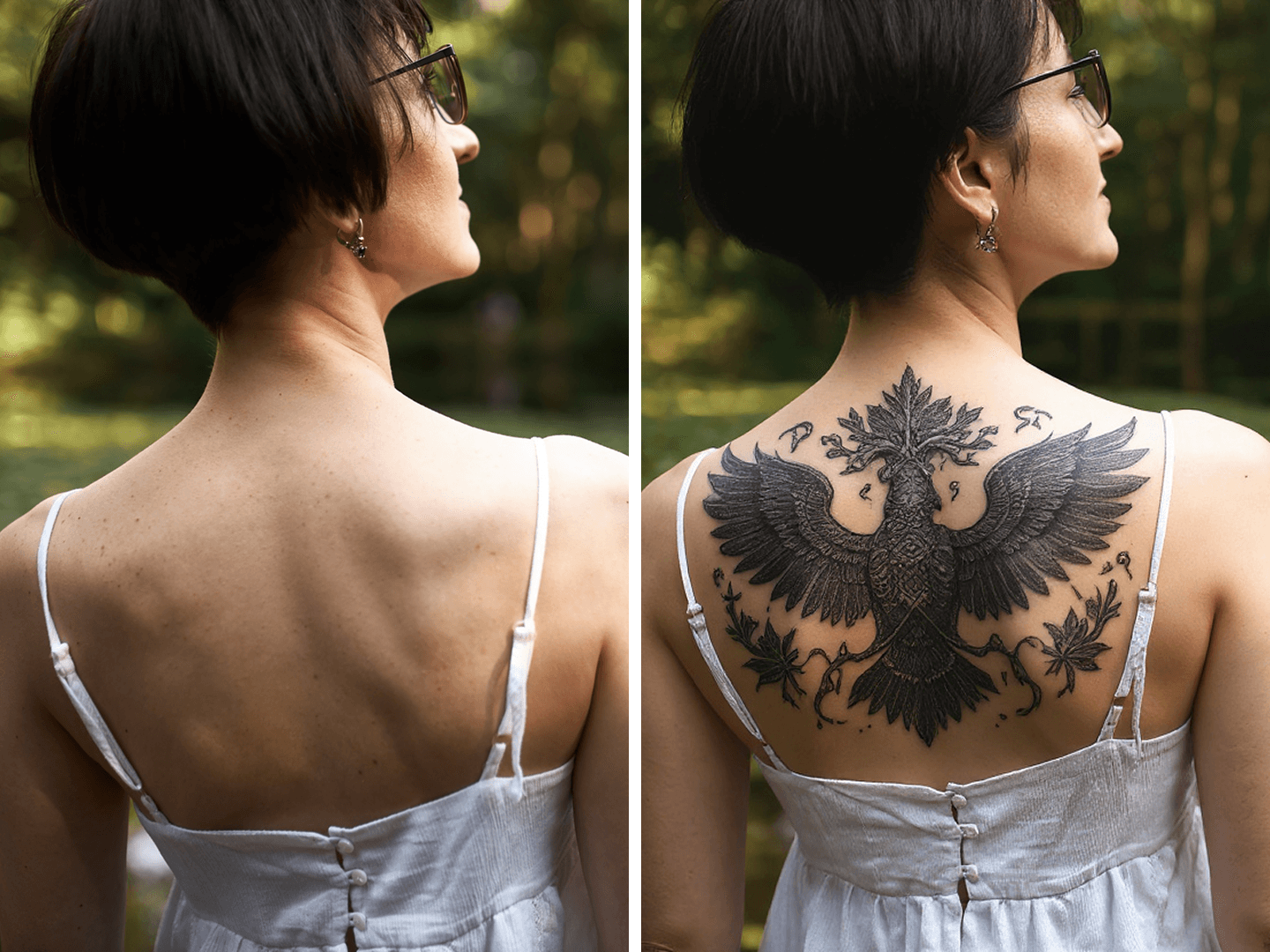
Let AI Bring Your Tattoo Ideas to Life
Whether you’re dreaming of delicate florals, fierce dragons, or geometric sleeve designs, our smart AI understands style, placement, and detail — creating seamless, high-resolution tattoos in any aesthetic. Just type your idea or upload reference images, and our AI will generate custom tattoo art that matches your vision. Perfect for personal inspiration, social sharing, or collaboration with tattoo artists.
- Effortless Design Generate tattoos in seconds. No drawing or graphic design skills needed.
- HD Quality Results Get detailed, realistic tattoo artwork and placement previews in high resolution.
- Accurate Placement Preview tattoos directly on your photo with lifelike blending and perspective.
- Secure & Private Your photos remain confidential and are not shared or used to train AI.
- Free to Try Create and download free tattoo concepts with your welcome credits.
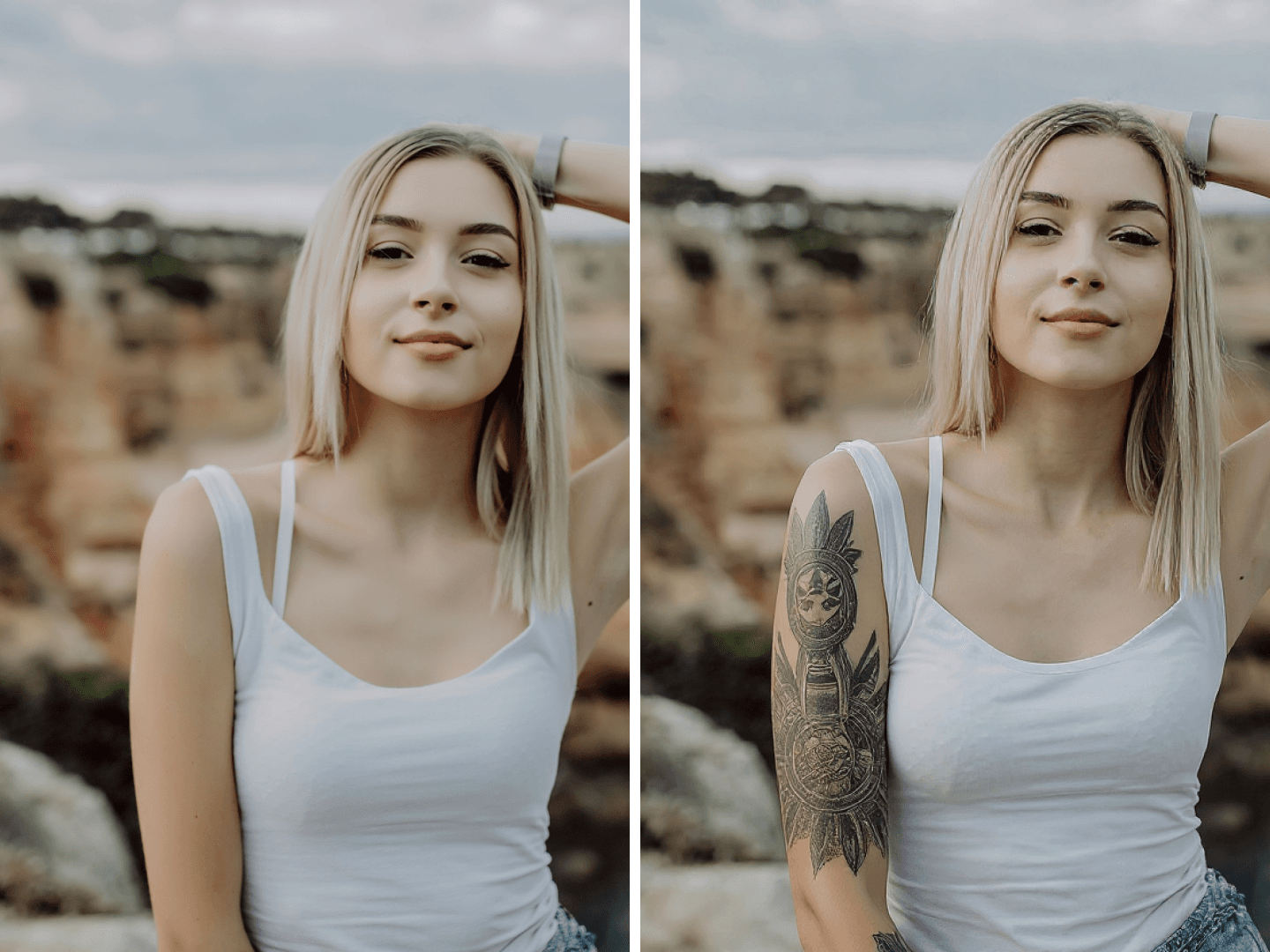
How to Use AI Tattoo Generator
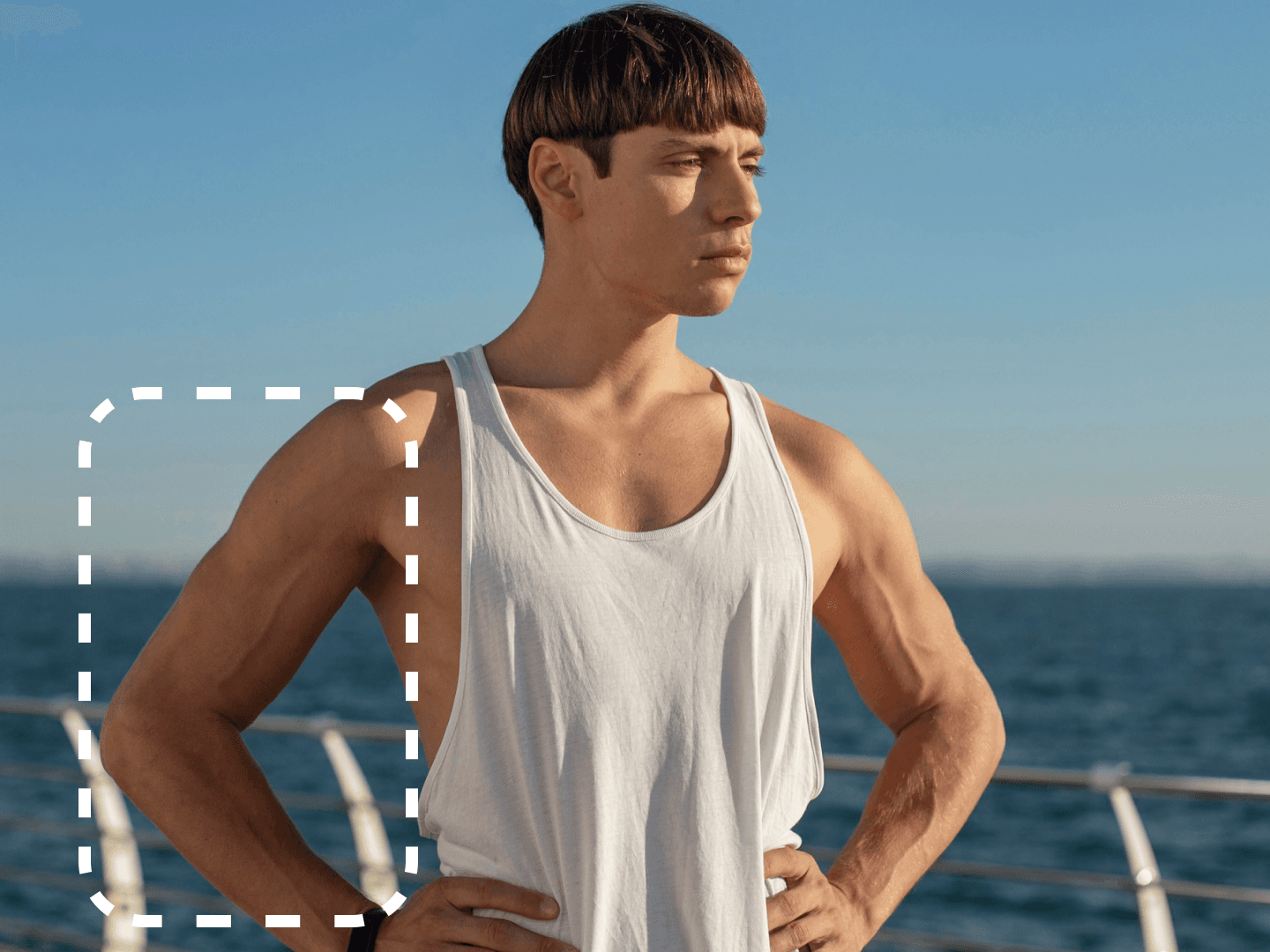
Upload or Describe Your Tattoo Idea
Upload a photo of your body part (optional) or simply describe your tattoo concept — for example, 'minimalist mountain line art on forearm' or 'Japanese koi fish sleeve.'

Choose Style or Reference
Pick from built-in tattoo style options like realism, traditional, watercolor, tribal, or fine-line. You can also upload reference art or describe a mood.

Generate and Download
Our AI instantly analyzes your request and produces detailed tattoo designs or realistic skin previews. Download your favorite designs in HD and share them with your tattoo artist.
Use Cases for AI Tattoo Generator
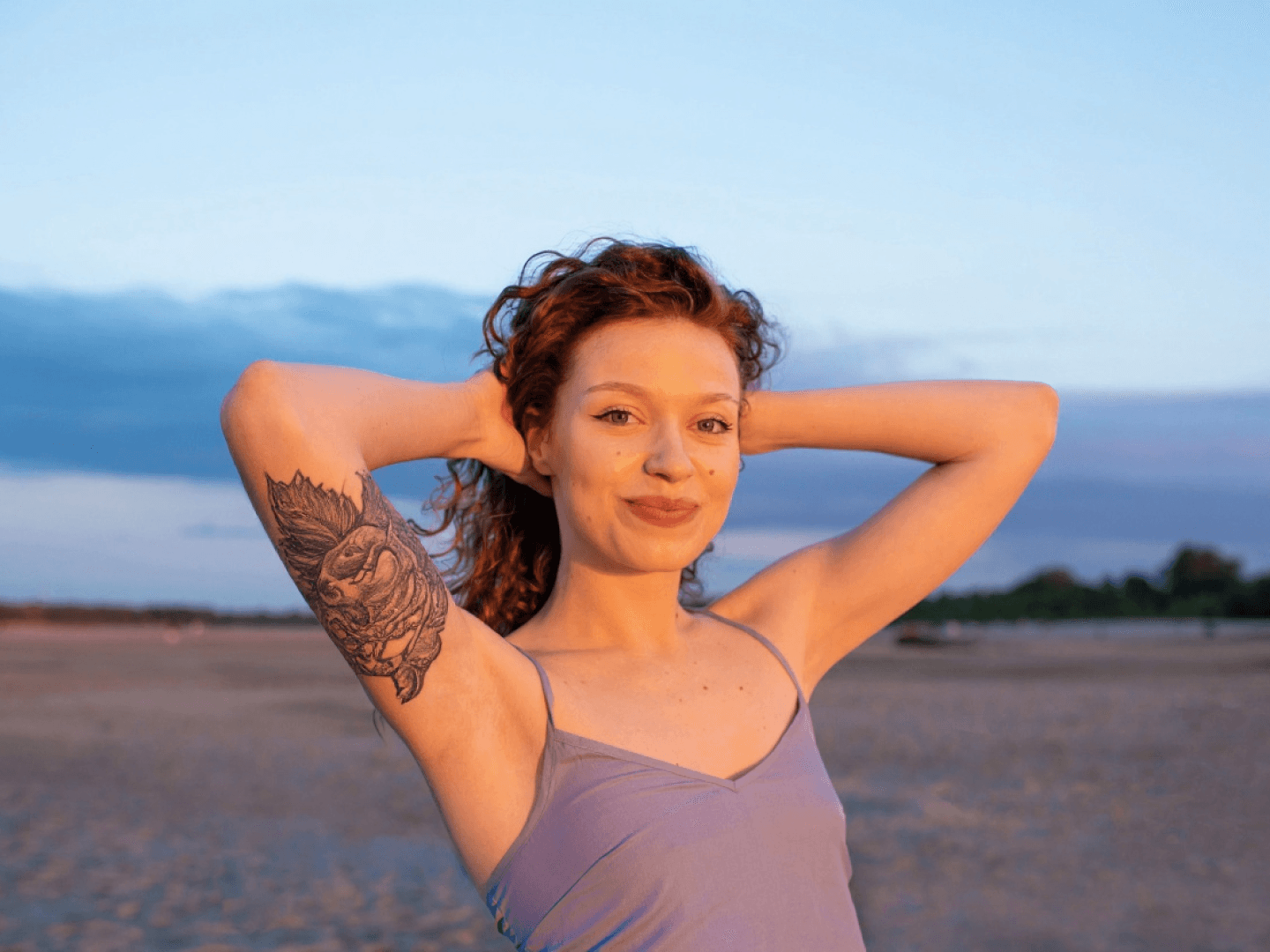
Tattoo Design Inspiration
Instantly generate custom tattoo ideas and variations based on your preferences and keywords.
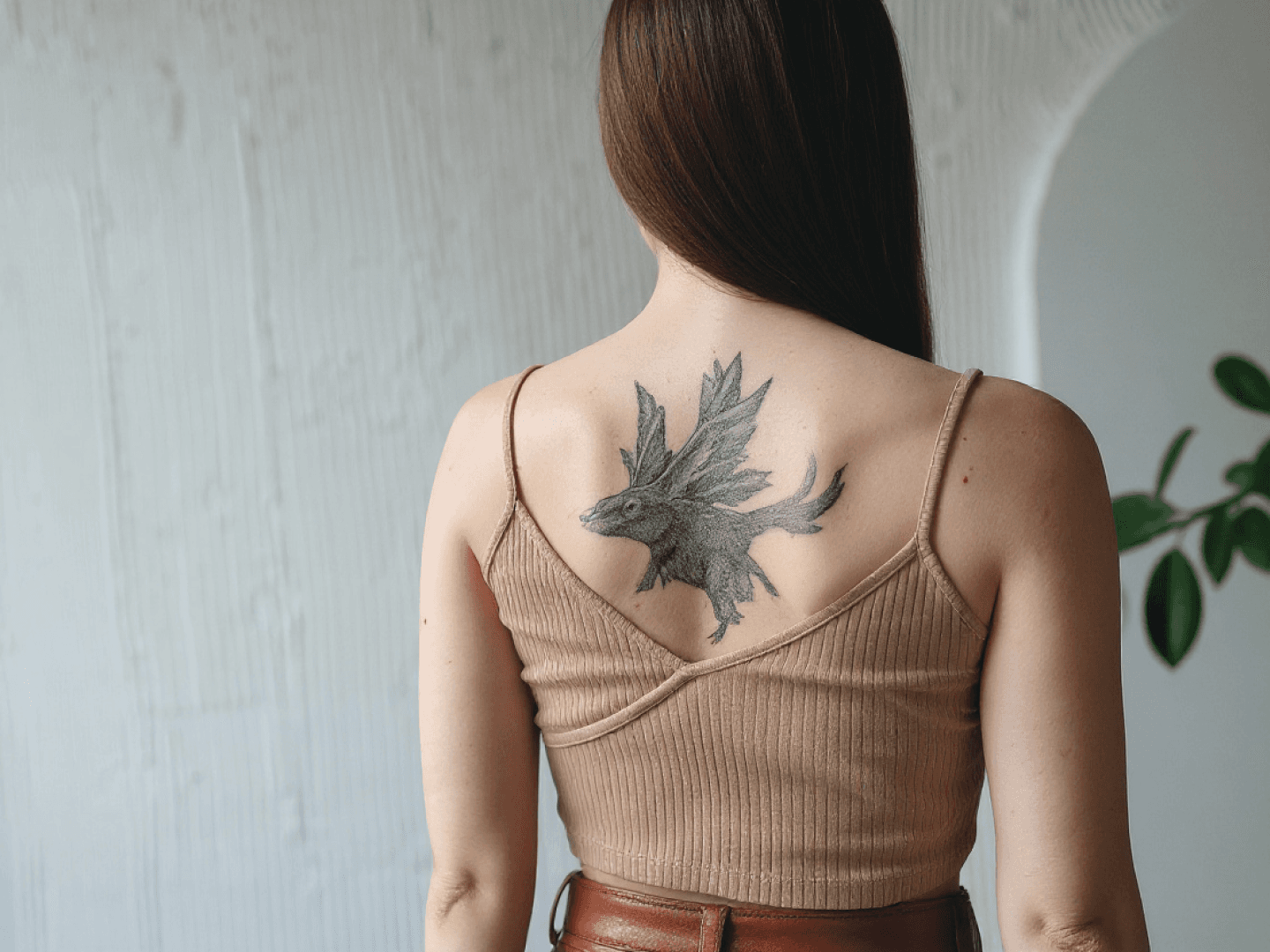
Tattoo Placement Preview
Upload your photo to visualize tattoos on arms, legs, back, or chest — perfect for trying styles before committing.

Artist Collaboration
Share AI-generated concepts with tattoo artists as a creative starting point or reference for your next session.
FAQs
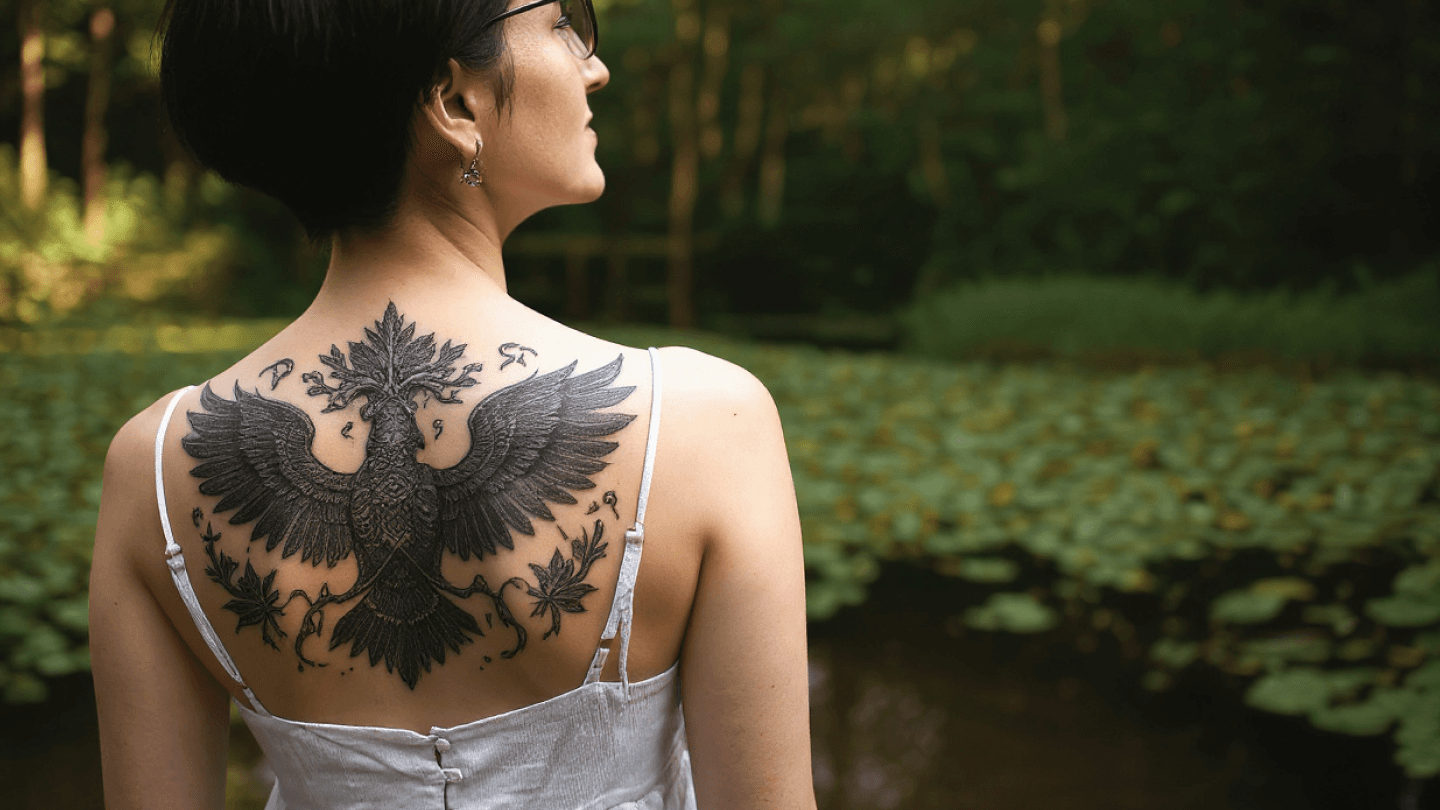
Experience the magic of creativity with Seela’s AI Tattoo Generator
Discover More Image Tools on Seela
AI Background Remover

White Background Generator
AI Image Upscaler
AI Object Remover
AI Image Extender
AI Background Generator
AI Photo Restoration
AI Poster Generator
AI Face Swap
AI Clothes Changer

AI Photo Colorizer
AI Background Changer
AI Avatar Generator
AI Image Denoiser
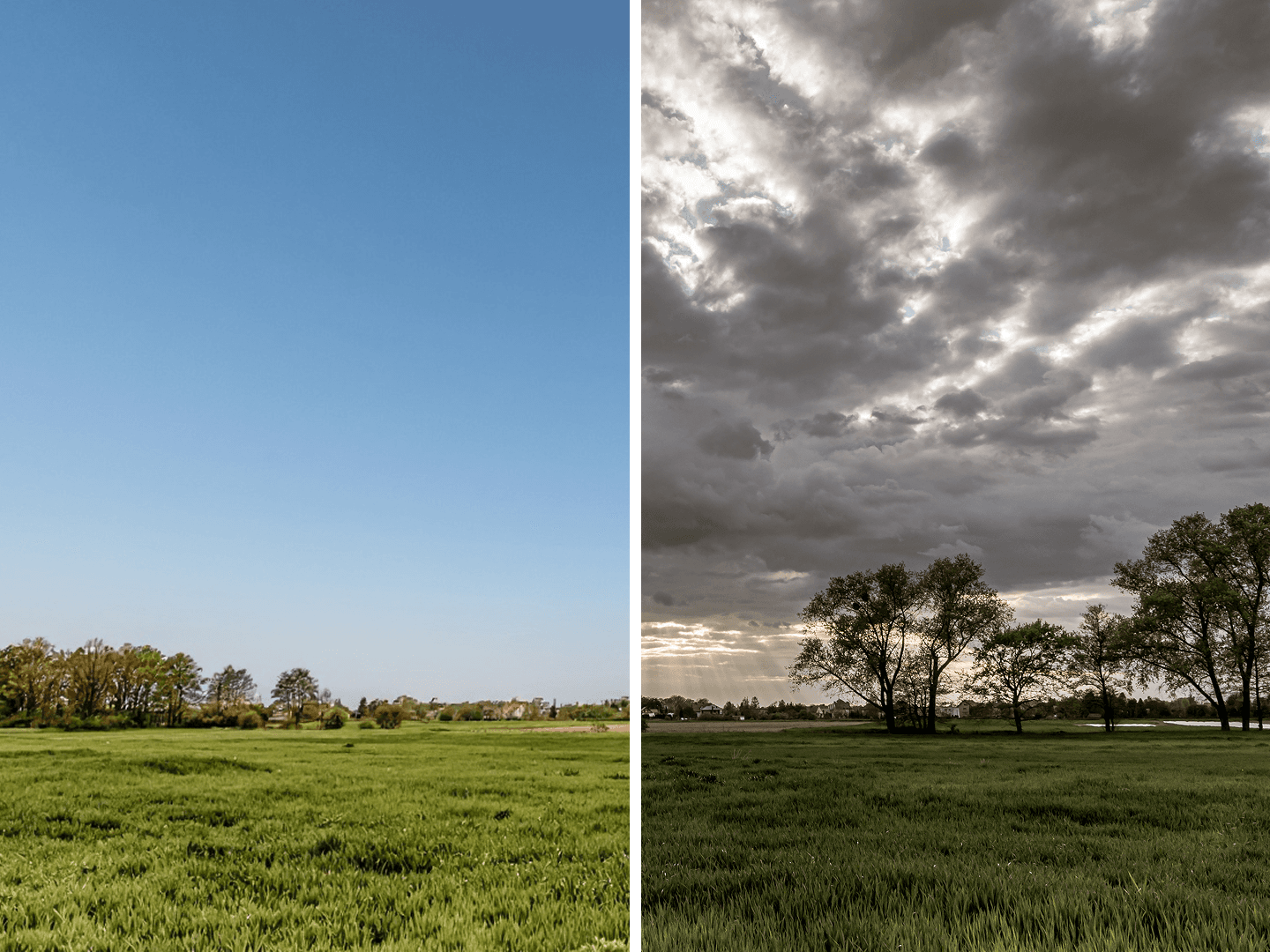
AI Sky Replacement